Recently Rails 7 went out and it includes a lot of changes and new features.
What I want to focus on is generating a new Rails 7 app with Bootstrap CSS and Bootstrap JS.
If you don't want to read the article you can watch it here.
However, if you decide to read it, then let's start!
Disclaimer: The below commands that have a : prefix are run from inside vim. To understand how I use Vim with Rails check my Ruby on Rails with Vim article.
Create new app with bootstrap
Create a new rails app using command:
$ rails new app-with-bootstrap --css bootstrap
This will generate for us the new Rails app as well as download the bootstrap CSS and JS for us.
Run app
In Rails 7, the new way of running the server is to execute ./bin/dev command. This will spin up a few processes, that includes — start of the server, and watcher process that observes the CSS and JS files.
Prepare a URL path
The goal will be to test our Bootstrap CSS and JS on the http://localhost:3000 page. To accomplish that we will have to edit routes.rb and configure it.
Let's execute :Einitializer in vim and this will open routes.rb file for us.
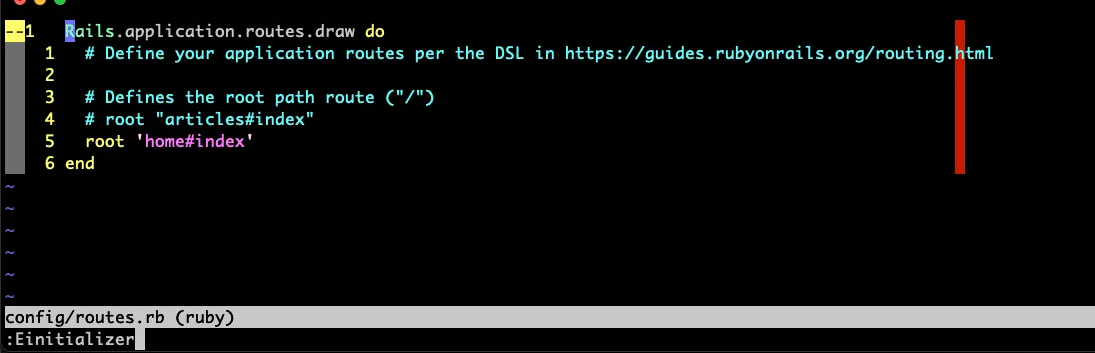
and add root 'home#index' into the file.
After reloading the page we should get an exception telling us that we don't have the home_controller defined yet.
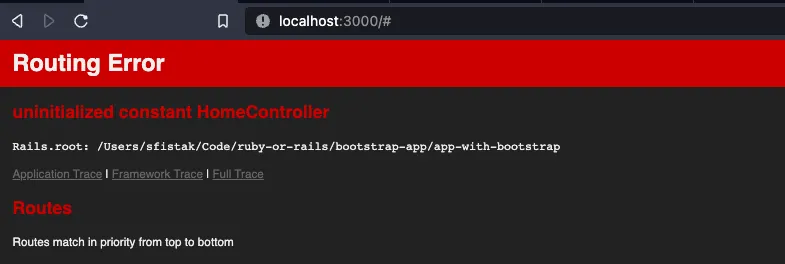
Let's quickly fix that by generating the controller.
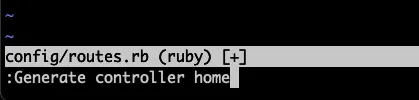
Generate controller home
The command will generate the home_controller.rb file with tests and little more. But we only need to focus on the controller itself.
After page refresh, we will see the exception that action index is missing.
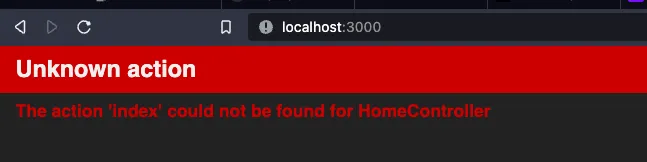
This can be fixed by adding:
def index
end
to the home_controller.rb file.
And... after refreshing the page...
We are missing the template that is named as index.html.erb.
So to get rid of this message we would have to create a view by running:
:Eview home/index.html.erb
Then let's add some text to it...
When you refresh the page you should see something like:
Not too much, but we are able to render our template now and we created a controller, then method and the view. That's the standard way and step by step development.
Verifying Bootstrap CSS and JS
Now, let's get to the styling of our site and verify that we use Bootstrap CSS and JS. We are going to copy the modal HTML code and put that into our index.html.erb file.
We grab the source of the modal from the Bootstrap page.
And paste this code into our home/index.html.erb file. Then we refresh the page.
After clicking on the Launch demo modal button, we are able to show the modal.
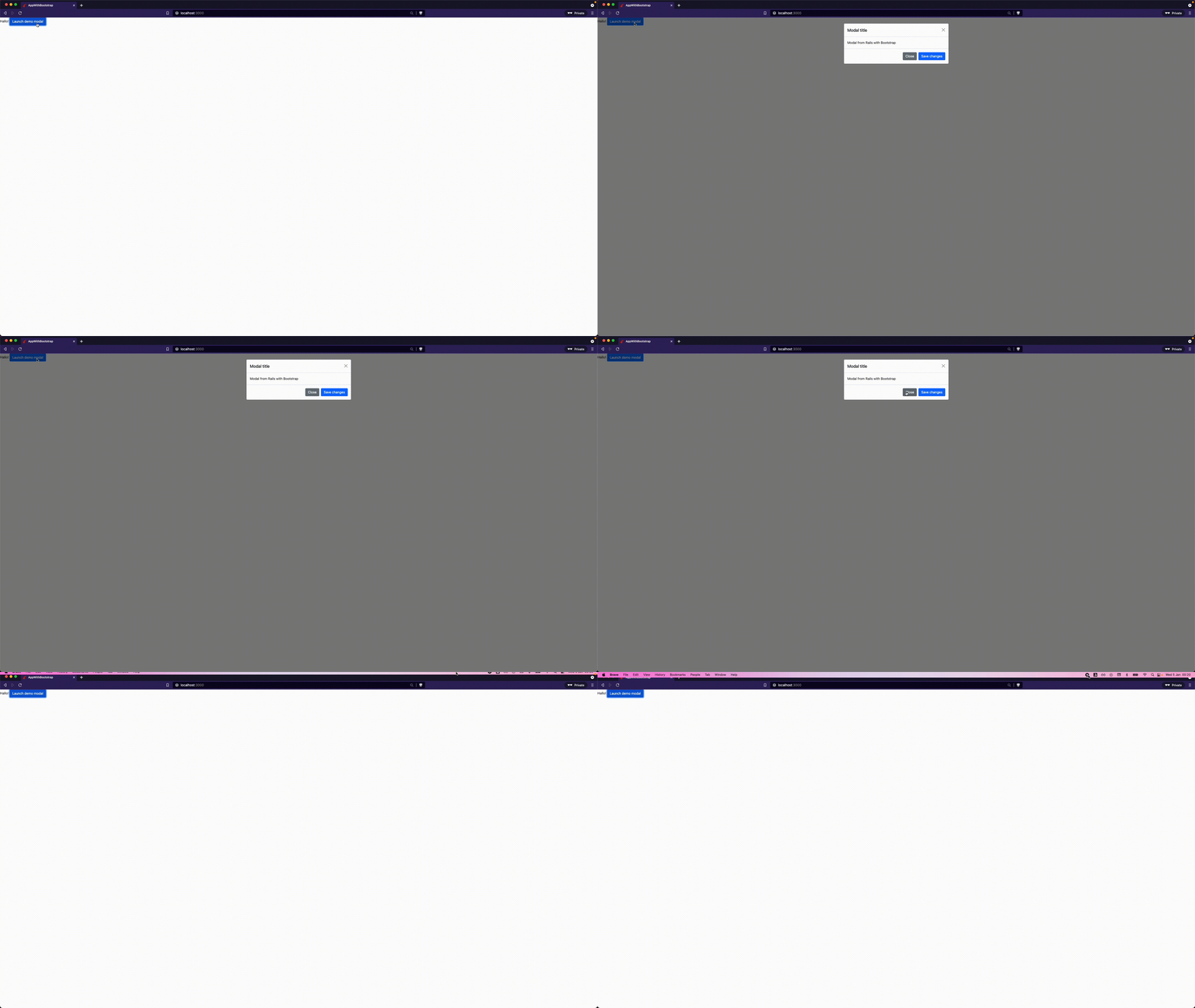
Let's go one step further by adding our own CSS styles.
Add custom styles
In order to support our custom styles we need to add this information into the Rails assets pipeline.
To do that, we need to put custom CSS into the:
$ app/assets/stylesheets/custom.css
Then add asset name to Rails pipeline by editing app/assets/config/manifest.js file with line:
//= custom.css
Last step is to apply the styles into the application layout by editing the application.html.erb file and add below line:
<%= stylesheet_link_tag "custom", "data-turbo-track": "reload" %>
After refresh, the modal looks different.
Below, you can see the more detailed view of our modals:
This small tutorial guided you step by step, how to have a fully fledged Rails 7 app with Bootstrap CSS, Bootstrap JS and apply your own custom styles on top of that.
Have fun,
Grzegorz